

Seçili alanSelection
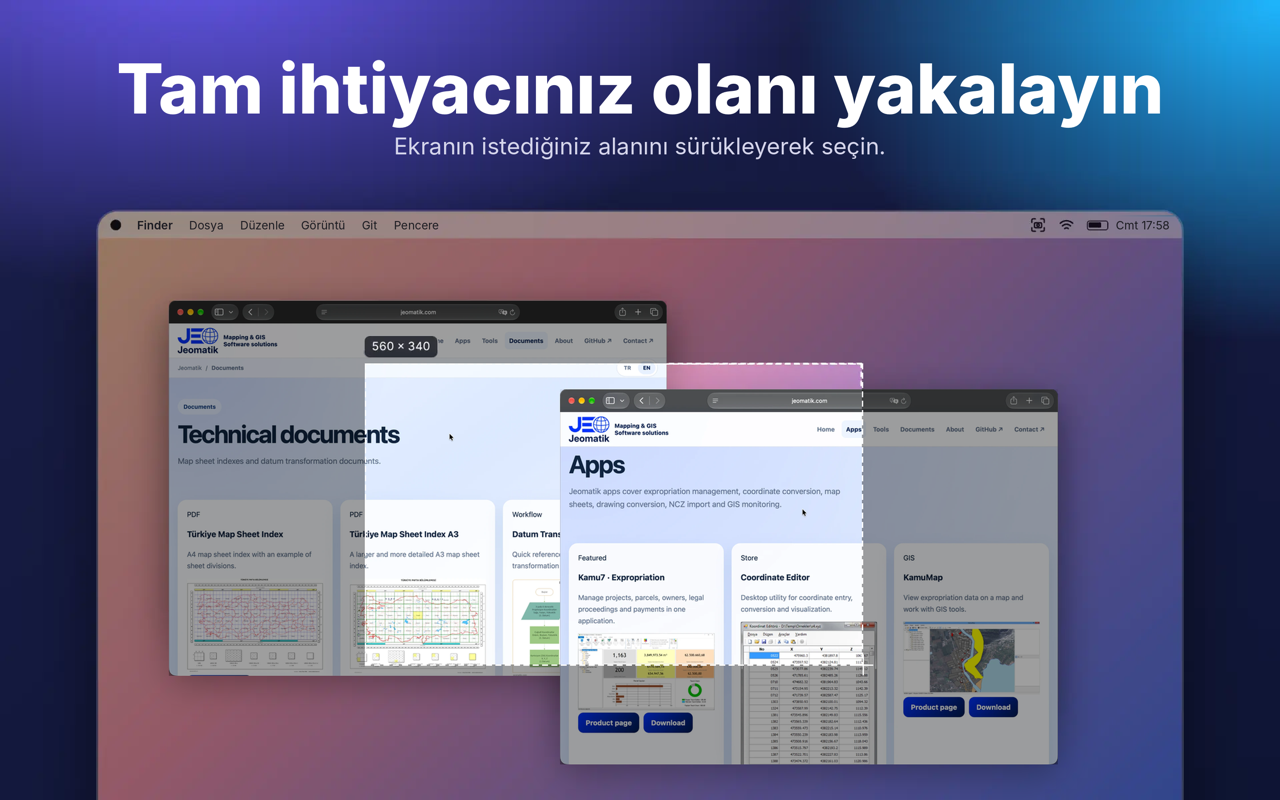
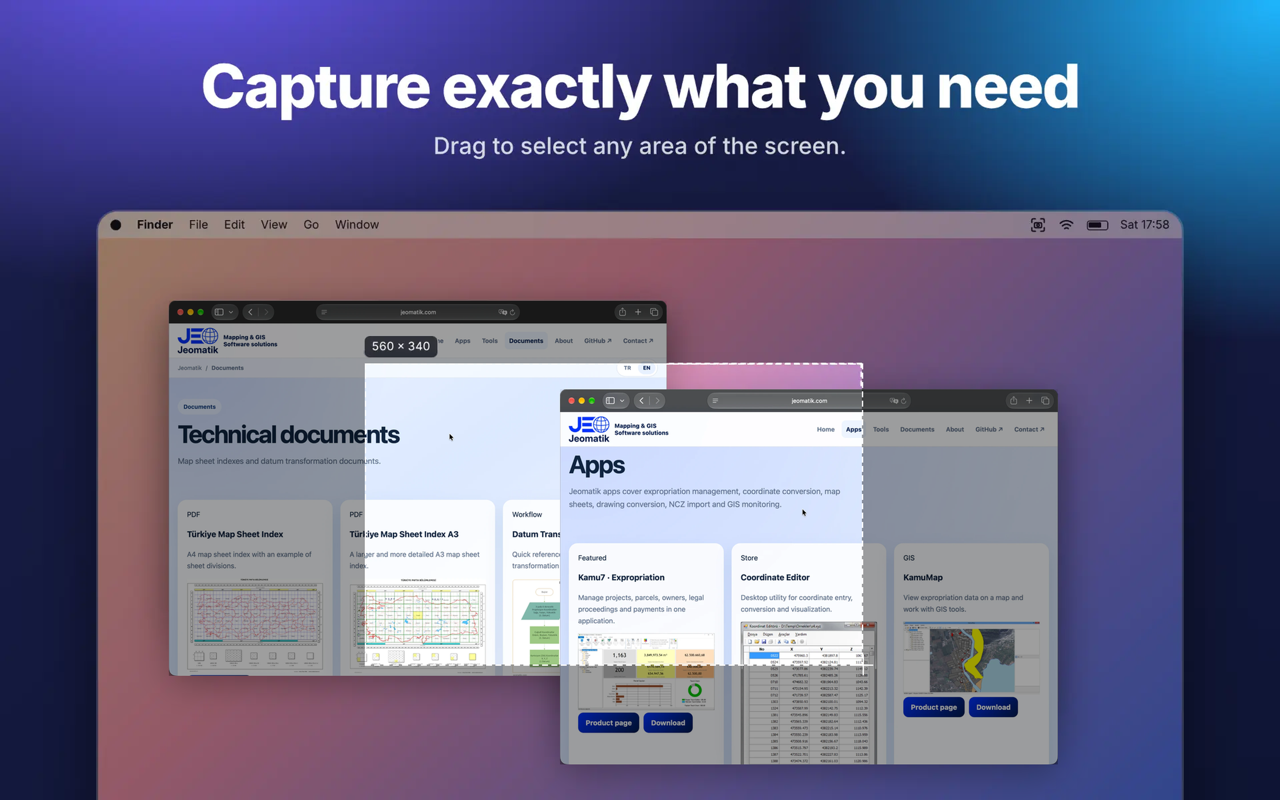
Ekranın istediğin bölgesini sürükleyerek seç; boyut canlı görünür. Esc ile vazgeç.Drag over any part of the screen and watch the size update live. Press Esc to cancel.
 macOS
Menü çubuğundan ekran görüntüsü Screenshots from the menu bar
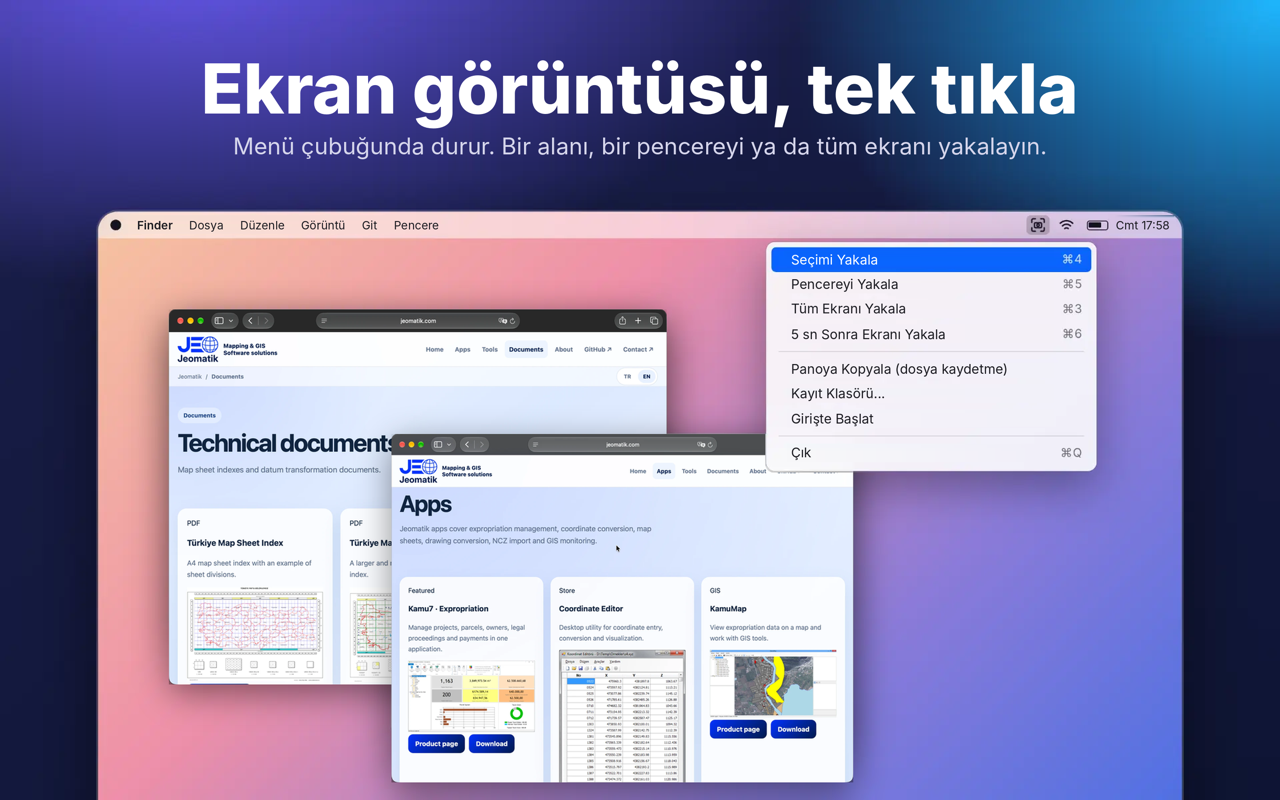
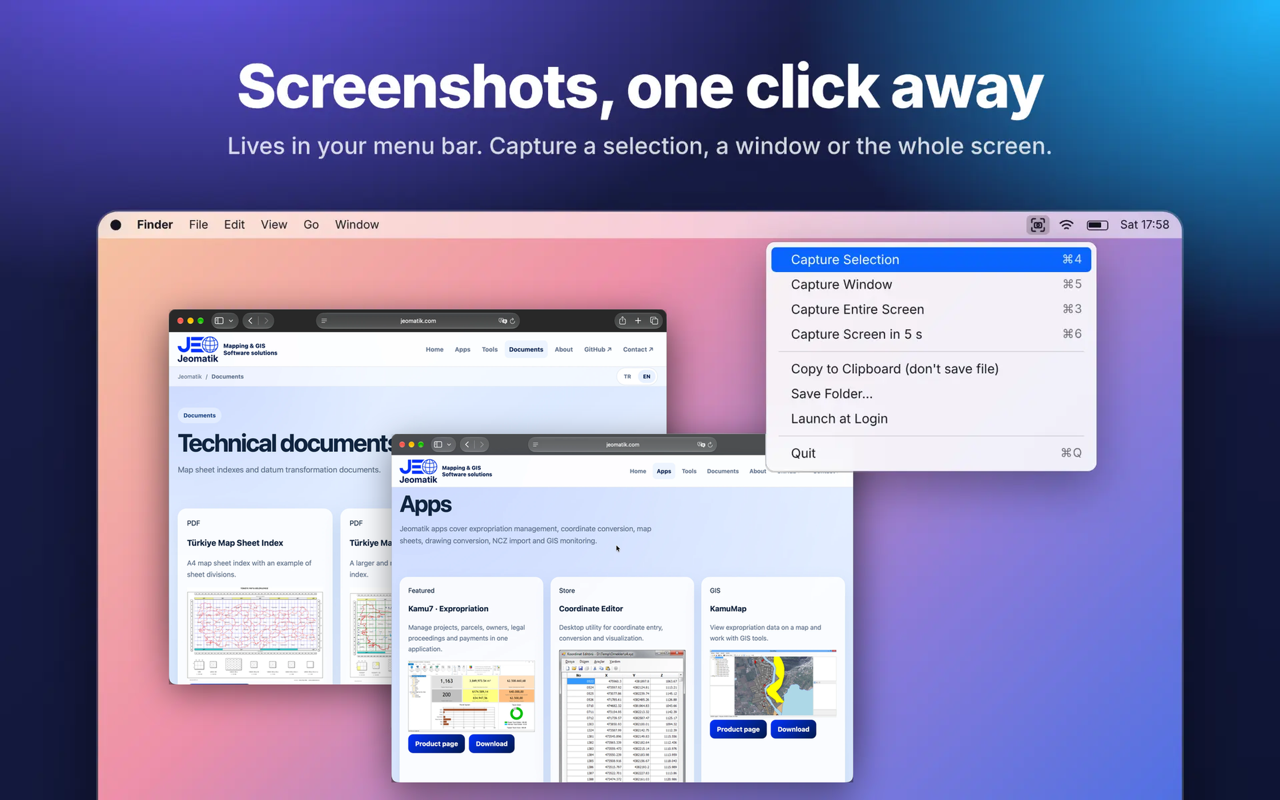
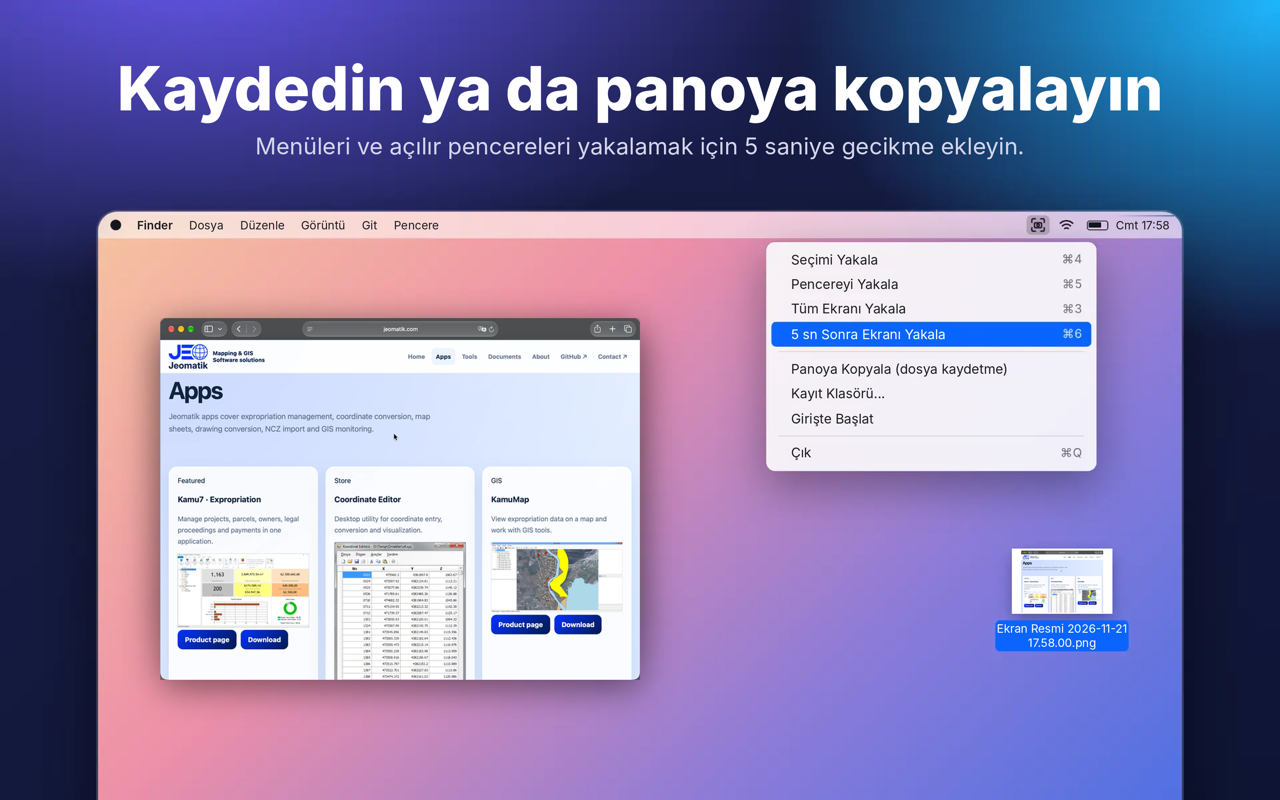
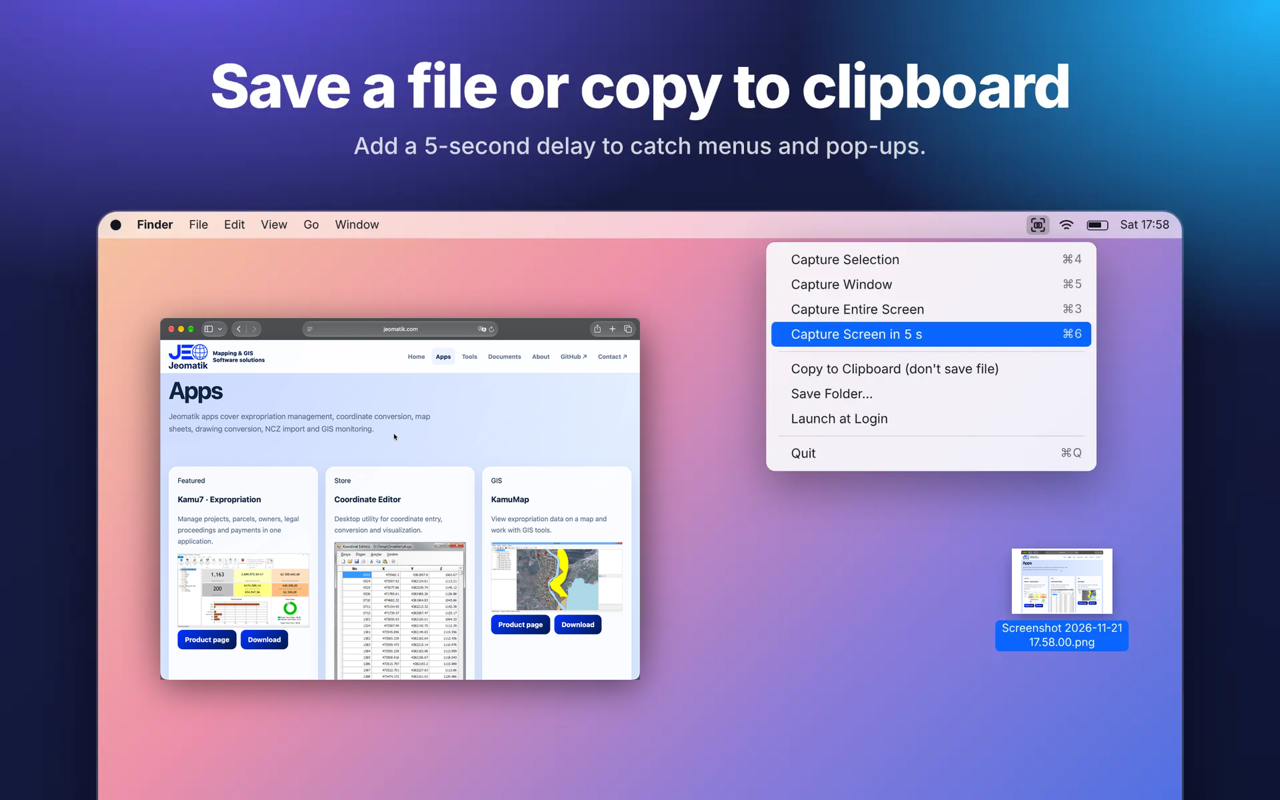
Ultra Simple Screenshot menü çubuğunda yaşar. Kamera simgesine tıkla; seçili alanı, bir pencereyi ya da tüm ekranı yakala. Dosya seçtiğin klasöre PNG olarak kaydedilir veya doğrudan panoya kopyalanır. Ultra Simple Screenshot lives in your menu bar. Click the camera icon to capture a selection, a window or the whole screen. Screenshots are saved as PNG files to a folder you choose, or copied straight to the clipboard.
Temel ÖzelliklerKey Features
Dört yakalama türü, iki kayıt seçeneği. Pencere, panel veya ayar ekranı yok.Four capture types, two ways to keep the result. No windows, panels or preferences to manage.
Ekranın istediğin bölgesini sürükleyerek seç; boyut canlı görünür. Esc ile vazgeç.Drag over any part of the screen and watch the size update live. Press Esc to cancel.
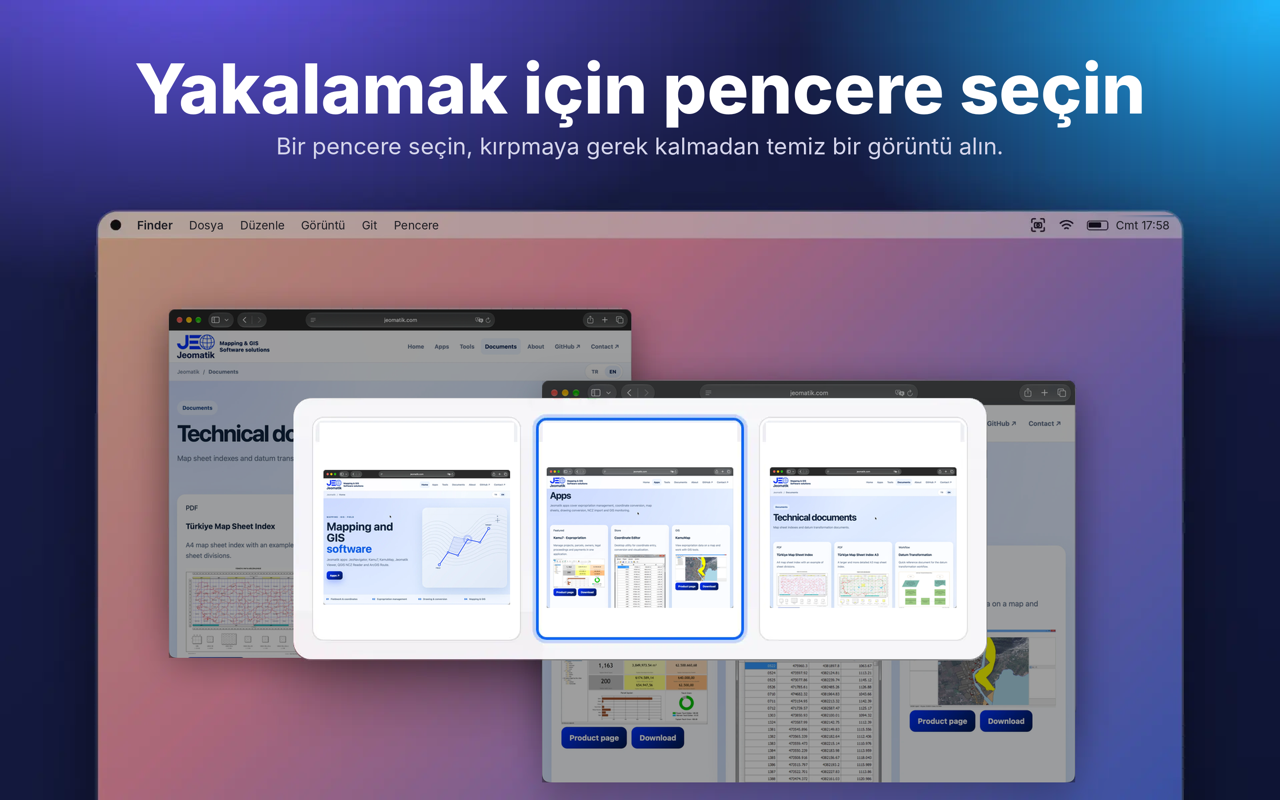
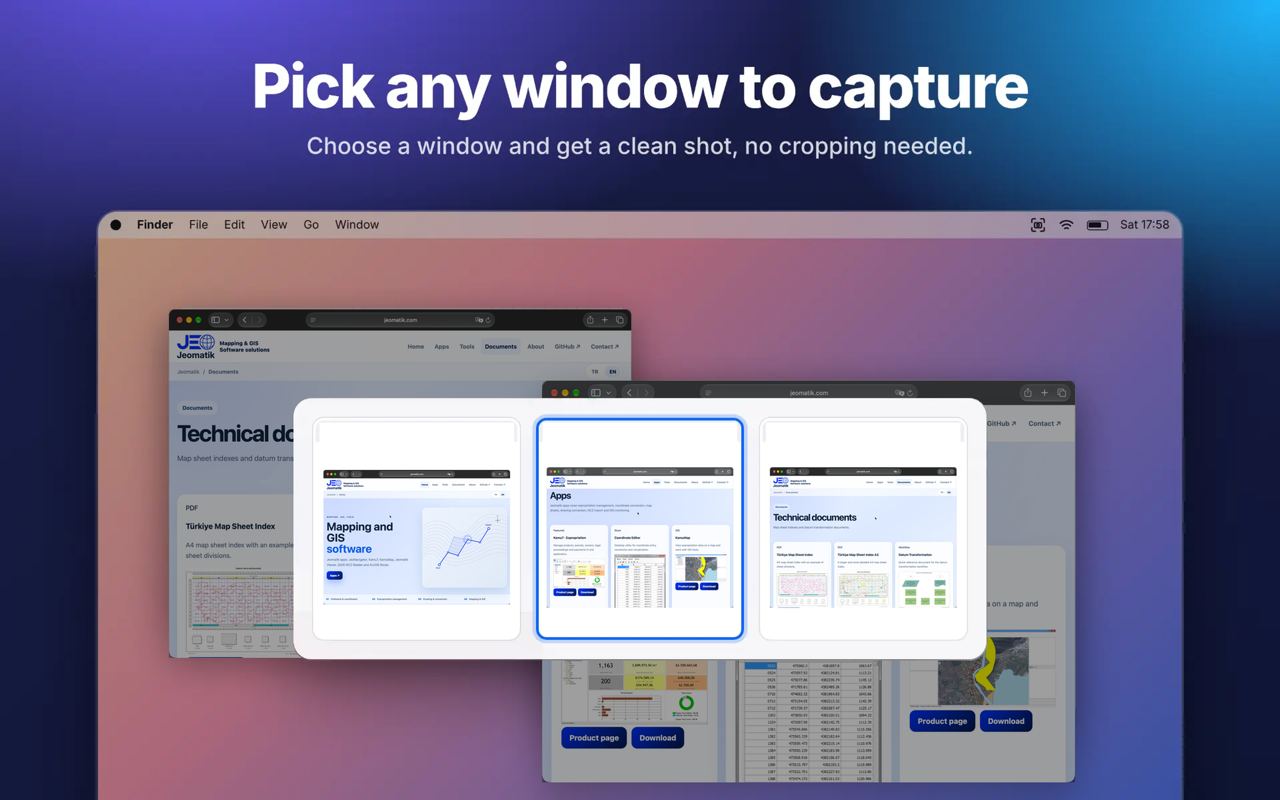
Sistemin pencere seçicisinden birini seç ve kırpmadan temiz görüntü al.Pick a window in the system picker and get a clean shot without cropping.
Fare imlecinin bulunduğu ekranı tek seferde yakala.Capture the display your pointer is on in one go.
Bir menüyü ya da açılır pencereyi açman için zaman tanır, sonra tüm ekranı yakalar.Gives you time to open a menu or pop-up, then captures the full screen.
PNG dosyası seçtiğin klasöre, adında tarih ve saatle kaydedilir. İstersen panoya kopyala.PNGs go to your chosen folder with the date and time in the name. Or copy to the clipboard instead.
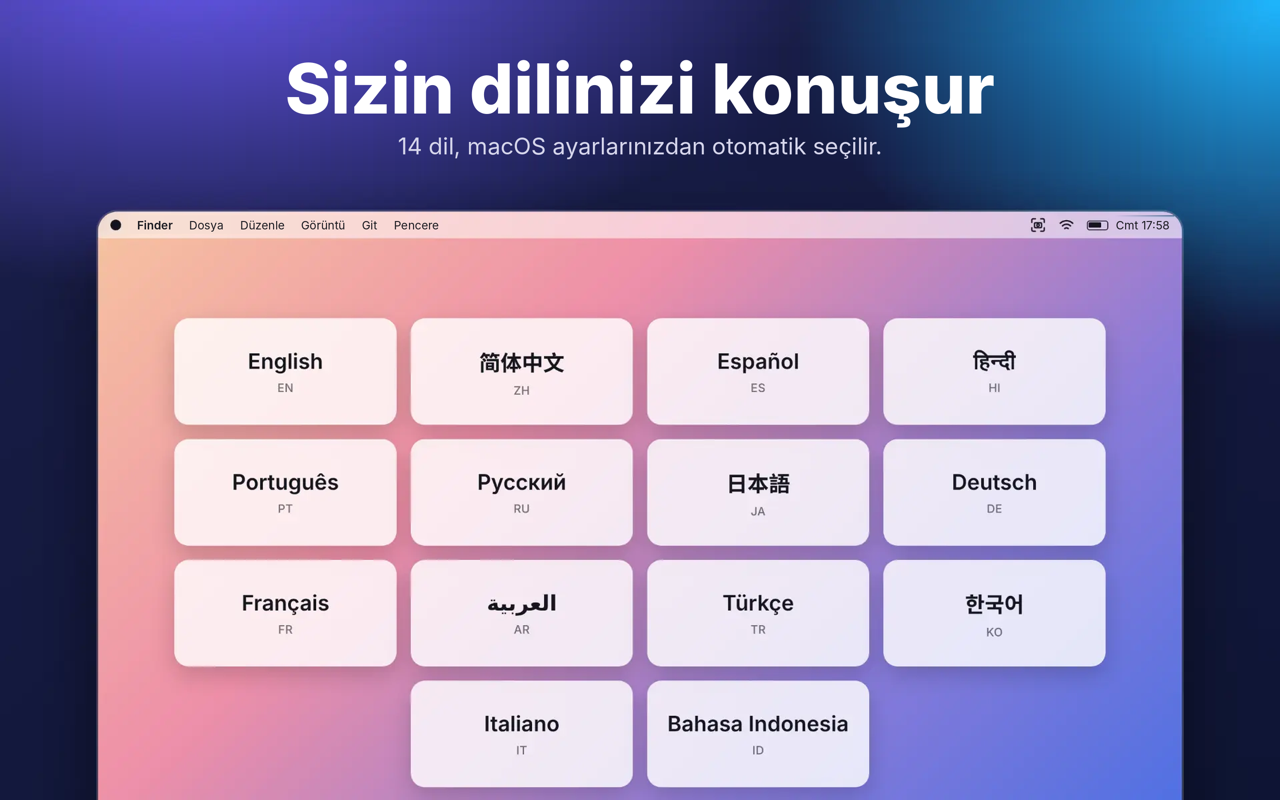
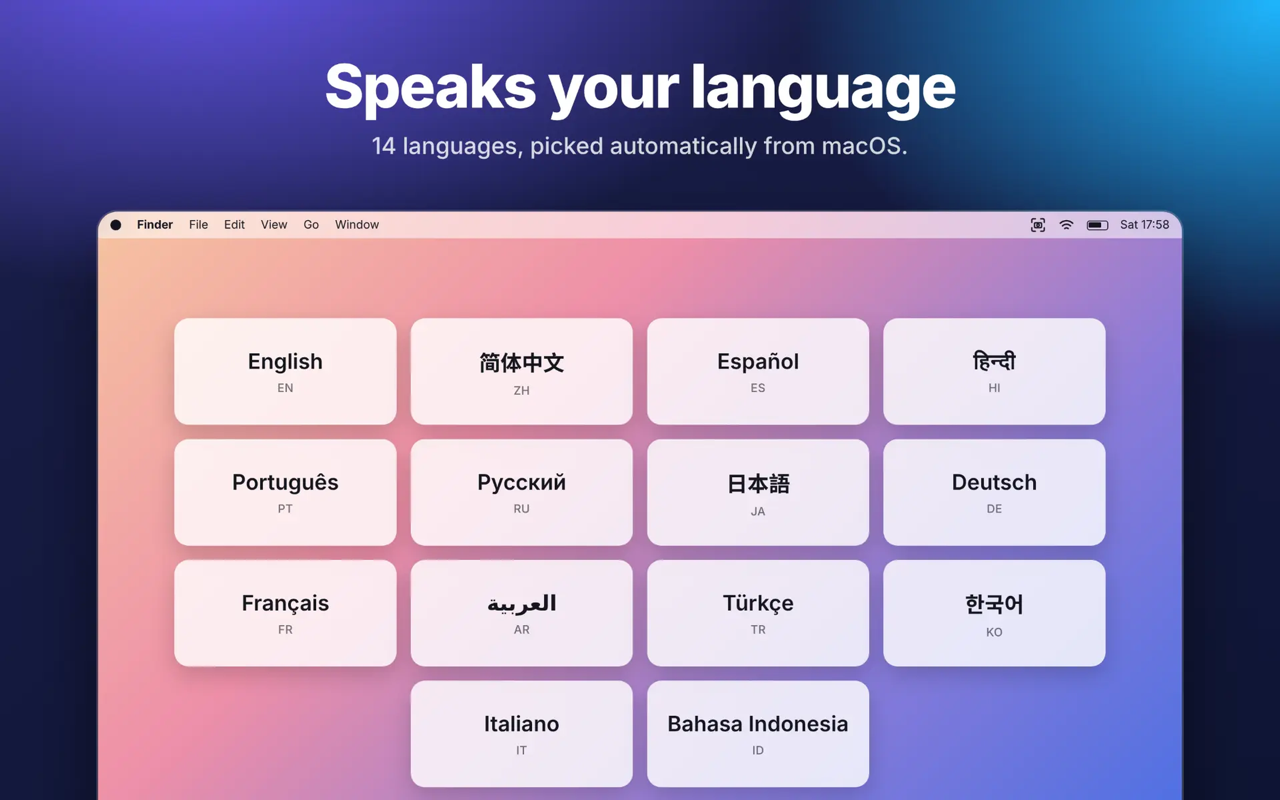
Menü ve dosya adları macOS diline otomatik uyar.Menu and file names follow your macOS language automatically.
İş AkışıWorkflow
Menü açıkken ⌘3, ⌘4, ⌘5 ve ⌘6 kısayolları da çalışır.With the menu open, ⌘3, ⌘4, ⌘5 and ⌘6 work as shortcuts.
Menü çubuğundaki kamera simgesi menüyü açar.The camera icon in the menu bar opens the menu.
Seçili alan, pencere, tüm ekran veya gecikmeli yakalama.Selection, window, entire screen or delayed capture.
Alanı sürükle ya da pencereyi seç. Tüm ekran anında alınır.Drag over an area or pick a window. Full screen is taken at once.
Dosya Finder'da seçili açılır ya da görüntü panoda hazır olur.The file is revealed in Finder, or the image is ready on your clipboard.
Ekran GörüntüleriScreenshots
Alan seçimi, pencere seçici, kayıt seçenekleri ve dil desteği.Area selection, the window picker, saving options and language support.
AyarlarOptions
Varsayılan değerler aşağıda. Hepsi menüden değişir.Defaults are listed below. Everything changes from the menu.
DillerLanguages
Dil seçmene gerek yok. Menü ve dosya adları macOS ayarına göre gelir; listede yoksa İngilizce kullanılır.There is nothing to pick. The menu and file names follow your macOS setting, and English is used when yours is not listed.
macOS 14 Sonoma veya üzeri. İlk yakalamada macOS Ekran Kaydı izni ister.macOS 14 Sonoma or later. macOS asks for Screen Recording permission on your first capture.
Hesap, reklam ve analiz yok. Ekran görüntülerin Mac'inden asla çıkmaz.No accounts, no ads, no analytics. Your screenshots never leave your Mac.
Sık SorulanlarFAQ
macOS, ekranın içeriğini okuyan her uygulamadan bu izni ister. Ultra Simple Screenshot ekranı yalnızca sen bir yakalama başlattığında okur.macOS requires this permission from any app that reads the screen. Ultra Simple Screenshot reads it only when you start a capture.
İlk yakalamada bir klasör seçersin. Menüdeki "Kayıt Klasörü…" ile istediğin zaman değiştirebilirsin.You choose a folder on your first capture. Change it any time with "Save Folder…" in the menu.
Hayır, yalnızca menü çubuğunda görünür. Mac açıldığında başlamasını istersen menüden "Açılışta Başlat"ı aç.No, it appears only in the menu bar. To start it when your Mac starts, turn on "Launch at Login" in the menu.
İngilizce, Çince, İspanyolca, Hintçe, Portekizce, Rusça, Japonca, Almanca, Fransızca, Arapça, Türkçe, Korece, İtalyanca ve Endonezce.English, Chinese, Spanish, Hindi, Portuguese, Russian, Japanese, German, French, Arabic, Turkish, Korean, Italian and Indonesian.
Ultra Simple Screenshot'ı Mac'inize indirin.Download Ultra Simple Screenshot for your Mac.